Your brand
Excel template
Your template, ready
Download it and open the “Example” tab first: you'll see how to fill it in before you start.
We’ve received your request. We’ll review the information and contact you with the next step as soon as possible.
The download is below
It's an Excel file (.xlsx) with instructions on the first tab.
Delivery
Request received
Next step
Team review
Status
Awaiting reply

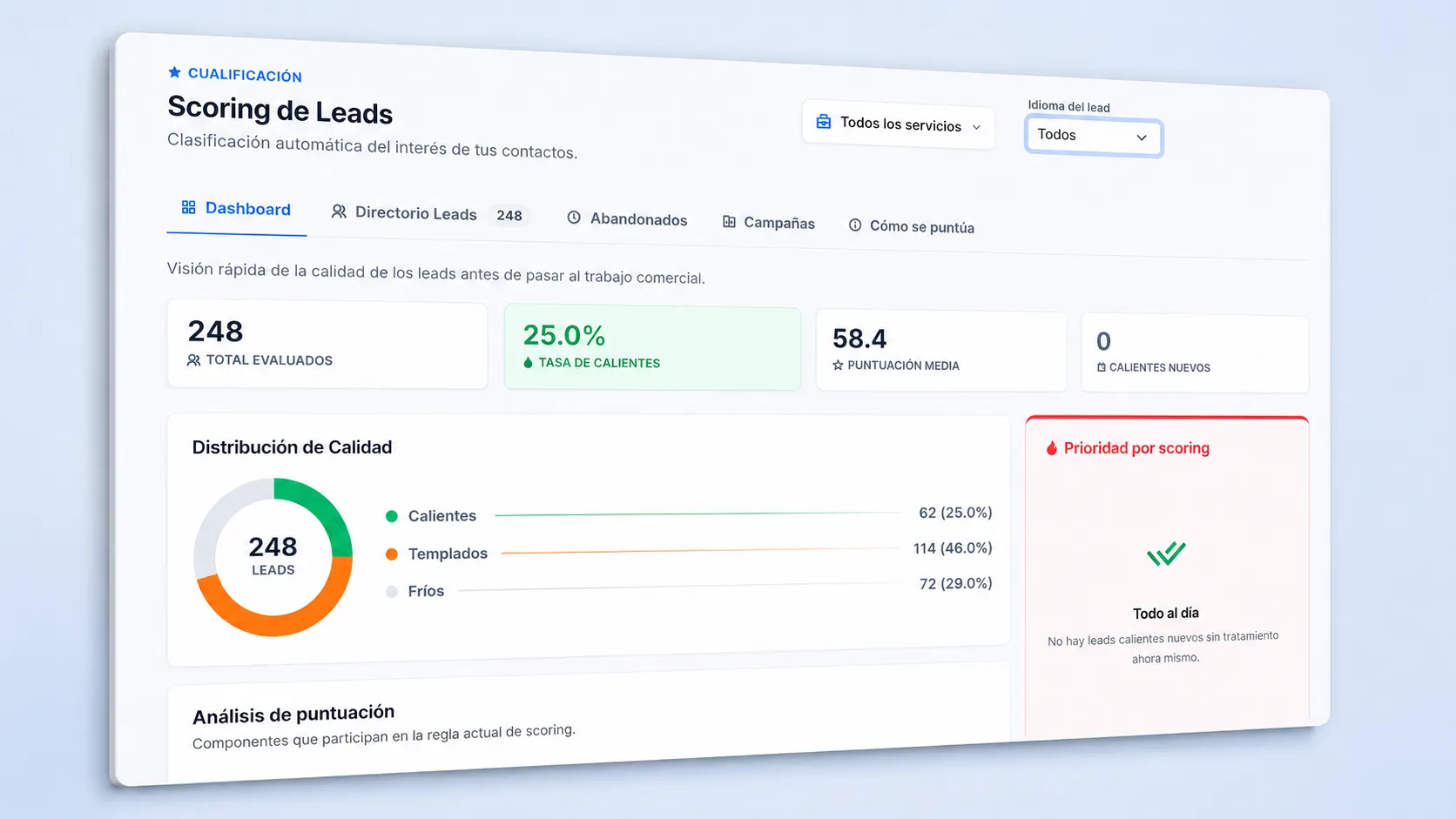


Excel CRM template: your deals and quotes on one sheet
Free Excel CRM template for service businesses: a pipeline by stage, weighted value and an alert for quotes still waiting for a reply.

The template's “Example” tab, filled in with the case of an employment consultancy.
The template in numbers
Add real metrics to build trust: success stories, profitability, savings, speed or satisfaction.
What the Excel CRM template includes
What a simple CRM does, in a spreadsheet you can understand in a minute.
Six stages with their probabilities
First contact, meeting held, proposal sent, negotiating, won, or lost. Each stage has its own probability, and the weighted value is calculated automatically.
Quotes that don't go cold
The number of days each proposal has gone unanswered, with a red warning when it exceeds the limit you set.
The next action always in view
What needs to be done with each opportunity and when, with a warning for overdue actions.
Six figures at the top
Open opportunities, weighted forecast, won this month, close rate, stalled quotes, and overdue actions.
How to manage your sales pipeline with the template
Half an hour to enter your current opportunities; after that, two minutes whenever something changes.
Enter every opportunity
One row per company that might buy: who you're talking to, which service they're interested in, and how much it's worth.
Choose the stage
From the list. The probability and weighted value are calculated automatically; if your percentages are different, change them in Settings.
Always enter the next action
What you're going to do and on what date. An opportunity without a next action is an opportunity that will be lost.
Check the warnings every morning
Overdue actions and stalled quotes first: they're the sales that slip away without anyone saying no.
Close the ones that have been decided
Won or lost. That way, the close rate is calculated automatically and the forecast is adjusted.
Frequently asked questions about the sales pipeline
Answers to your most common questions
What is an Excel CRM template for?
To keep all open opportunities in one place, know how much you can close this month, make sure a sent quote does not go without follow-up, and distribute the sales team's workload by assigning the next action for each one.
What is a sales pipeline?
It is the list of open sales opportunities arranged by stage, from the first conversation to closing. It helps you see how much is at stake, where each one stands, and what needs to be done to move it forward.
What is weighted value?
It is the amount of each opportunity multiplied by the probability of its stage. Added together, it provides a realistic forecast: a €10,000 proposal at 50% counts as €5,000.
Can I use Excel as a CRM?
For a small team, yes: one row per opportunity, clearly defined stages, and a dated next action cover the essentials. When several people need to work on the same list at the same time, it is time to switch to a CRM.
When is a quote considered stalled?
By default, after seven days without a response from the date it was sent. You can change the number of days in the settings tab based on how long your customers normally take to decide.
Does it work for service companies?
Yes, it is designed for companies that send proposals or quotes and close deals after several conversations.
What do I need to use the template?
Excel. It comes with instructions and a sample pipeline for an employment consultancy.